



Cykura — an automated market maker platform that allows liquidity providers to choose the price range in which their liquidity is active. This is referred to as "concentrated liquidity" because assets are manually placed in user-selected price ranges, rather than being automatically (and inefficiently) distributed along a price curve from 0 до ∞.
About Cykura project
Its concentrated liquidity allows users to designate a price range in which they are willing to create markets, earning the same market creation rewards, using only a fraction of the previously required capital.
This leaves a large proportion of the liquidity providers' assets thin over a wide price range and, therefore, these assets are not being used. The bottom line in this case is that LPs do not earn anything from these assets, and traders do not benefit from unused liquidity that could potentially be used to fill their orders.
Concentrated liquidity provides a solution to leverage 100% of these idle assets. Liquidity providers can place 100% of their assets that they want to use to create markets in exactly the price range they believe will be the most rewarding for earning commissions.
On Cykura LP, they receive a commission in proportion to the share of liquidity they control. Consequently, LPs have a strong incentive to actively manage exactly where their assets lie on the price curve in order to maximize earning opportunities. There is always an incentive to move assets to underserved parts of the pool, as this provides the opportunity to capture a much higher share of the pool fees for LPs. Since Cykura is built on Solana, the gas costs, associated with actively managing your liquidity position, are negligible.
Terms of use
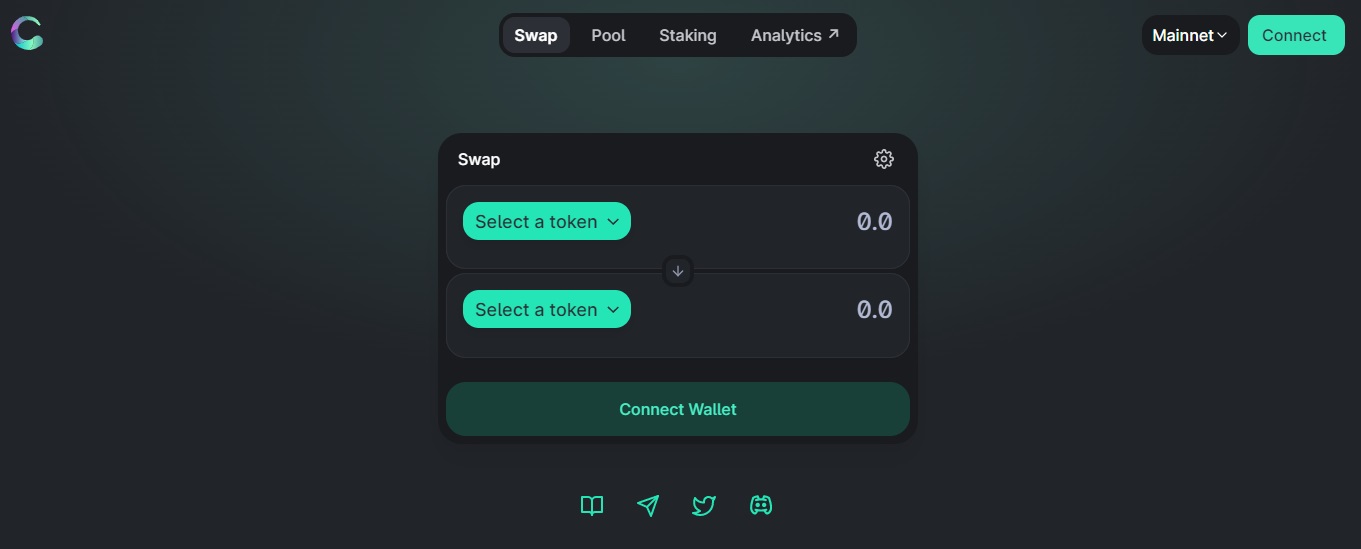
Go to cykura and connect your wallet. Then choose a new position. The second step — to choose which pair of tokens you want to provide liquidity for. You can choose any pair of SPL tokens, even if they are not listed. If the token you are looking for is not in the drop-down menu, simply copy/paste the address of the SPL contract into the prompt. Now that you have chosen a pair of tokens, the next step is to choose the right fee level.
Each pair of tokens offers three levels of fees:
| 0,002% | best suited for stablecoin pairs, for example. USDC-USDT; USDC-UST. |
| 0,008% | best suited for alt/stable pairs, for example. wSOL-USDC. |
| 0,3% | best suited for volatile asset pairs. |
Most LPs will aim for one level of commission per pair. Because LPs take on less price risk in stable pools, traders, in turn, expect to pay lower fees. This makes Cykura's ultra-stable pools the most logical choice.
Next, you must define a price range to provide liquidity. The easiest way to choose a price range - to consider the minimum and maximum prices you expect. Now that you have set the pool pair, commission level and price range of your position, the next step - to select the amount of assets you will deposit. Next, select “Add”. You will be asked to approve the transaction on your wall.