
Moonshake logo

Moonshake

Total Users
- No data available.
Rewards
chest
chest
chest
chest
Volume
The fiat value of incoming dapp transactions over a period of time
- No data available.
Contract Balance
The total fiat value of assets in a dapp's smart contracts
- No data available.
Category
- No data available.
Blockchain
Avalanche
Language
- No data available.
Official links
Social media

News

Germany's Sparkassen Group Begins Cryptocurrency Trading Rollout

Germany's Sparkassen savings bank group is starting a phased rollout of cryptocurrency trading within its existing banking app, beginning on October 19, 2023.
user avatar

Gustavo Mendoza

CME Group to Launch Bitcoin Cash and Uniswap Futures on October 19

CME Group has scheduled the introduction of Bitcoin Cash and Uniswap futures for October 19, providing institutional traders with more cryptocurrency markets.
user avatar

Rajesh Kumar

Ethereum's Glamsterdam Upgrade Scheduled for Hoodi Test Network

Ethereum's next major upgrade, Glamsterdam, is set to activate on the Hoodi test network on October 26, marking a significant step in testing changes to block production and execution costs.
user avatar

Miguel Rodriguez

What is Moonshake?

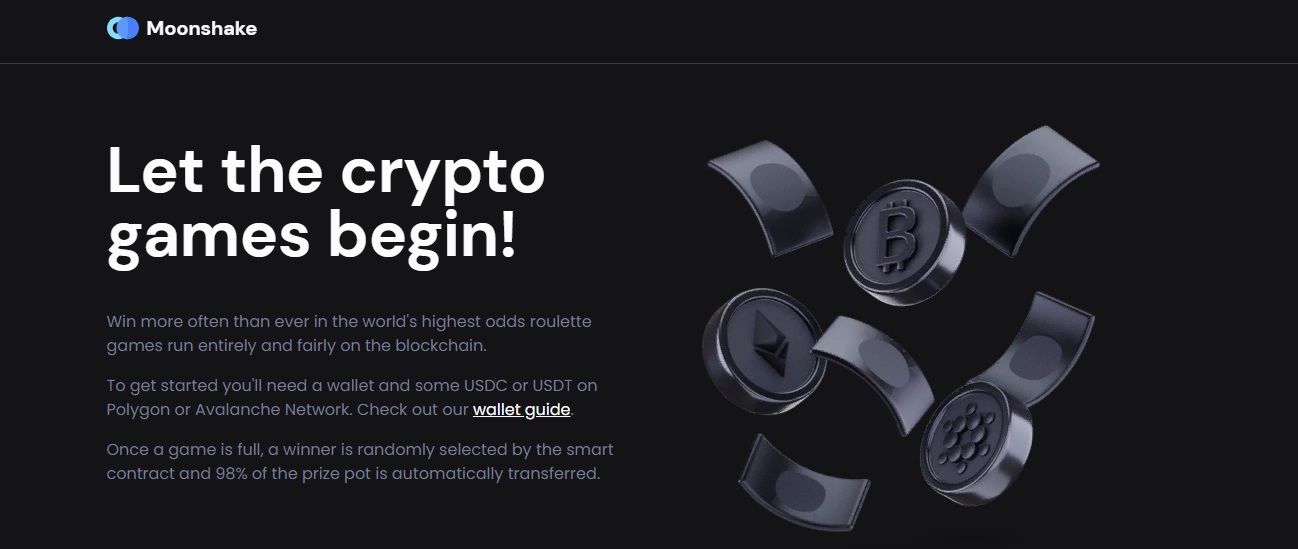
Win more than ever on Moonshake at the world's highest odds roulette, fully and fairly powered by the blockchain. To get started, you will need a wallet and some USDC or USDT on the Polygon or Avalanche network.
Moonshake - dapp.expert

When the Moonshake game is full, a smart contract randomly selects a winner and 98% of the prize pool is automatically transferred.

Avalanche has introduced a new and improved bridge, called the Avalanche Bridge (AB), which replaces the Avalanche-Ethereum Bridge (AEB). ERC20 tokens on the new bridge have new names and contract addresses. You can identify new tokens as ".e" is appended to them. For example, "USDC" and "USDT" are "USDC.e" and "USDT.e" on the new bridg.

There are thousands of cryptocurrencies and you need to configure MetaMask to display the ones you are interested in. By default, you will only see the native currency of that particular blockchain. In this case, MATIC or AVAX. To add USDC and USDT, click Import Tokens. You will be presented with a form to add a token. Fill it out according to the chain you are on and add one USDC and USDT one at a time (since you can receive prizes in any currency).

Once you have clicked "Add Custom Token" for each currency, the amount you sent to your wallet should appear within 10 minutes of sending it. Before playing, don't forget to select the currency you sent to your wallet.

Important disclaimer: The information presented on the Dapp.Expert portal is intended solely for informational purposes and does not constitute an investment recommendation or a guide to action in the field of cryptocurrencies. The Dapp.Expert team is not responsible for any potential losses or missed profits associated with the use of materials published on the site. Before making investment decisions in cryptocurrencies, we recommend consulting a qualified financial advisor.