



PushCoin allows you to create your own tokens on the BNB Chain blockchain.
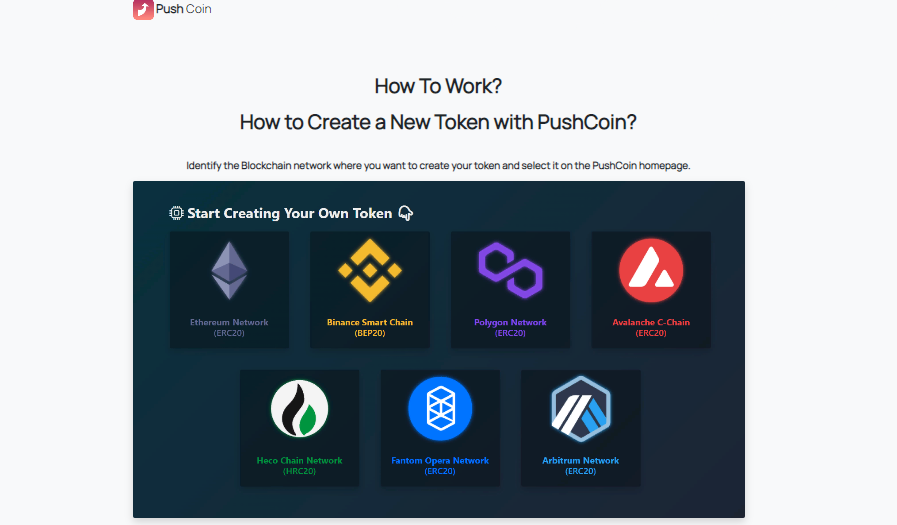
Before you start using, identify the blockchain network where you want to create your token and select it on the PushCoin homepage.
You can experiment and test before doing actual token generation on these networks. Once you have made your choice, you can enter information about your new token on the token creation page that opens.
Basic terms:
| Token name | represents the fully qualified name of the token you will create. Your token is known by this name. |
| Token symbol | this is the symbol or code of the token that you will create. Your token on wallets or exchanges is represented by this symbol. Choose from 3 to 5 characters. |
| Decimals of the token | enter the decimal precision of your token. If you don't know what to add, use 18. |
| Starting stock | enter the initial stock number of your token. The entire stock will be automatically credited to your wallet. |
Also, there are additional features. "Burned": if you select this feature, you can burn your token supply. "Mountable" means you can add it to your token pool later.
"Verified Source Code" - this option allows you to verify the source code on the blockchain network after the token has been created.
After filling in the information about your token and selecting its properties, click the "Create Token" button. The MetaMask application must be installed on your browser for token generation, service fees and token agreement approval processes. You can also perform your transactions from a browser in the MetaMask application, installed on your mobile device. After clicking the "Create Token" button, MetaMask will automatically start and a window will open to confirm the actions.
Once the blockchain network information has been added to your MetaMask extension, you will be prompted to confirm the transfer of the payment you need to make to PushCoin to create the token.