



Mimoswap v1 — a fully decentralized protocol with automated liquidity that powers the future of DeFi. Based on the IoTeX blockchain, mimo uses smart contracts and automatic market creation (AMM) algorithms to manage liquidity pools and connect buyers/sellers of cryptoassets.
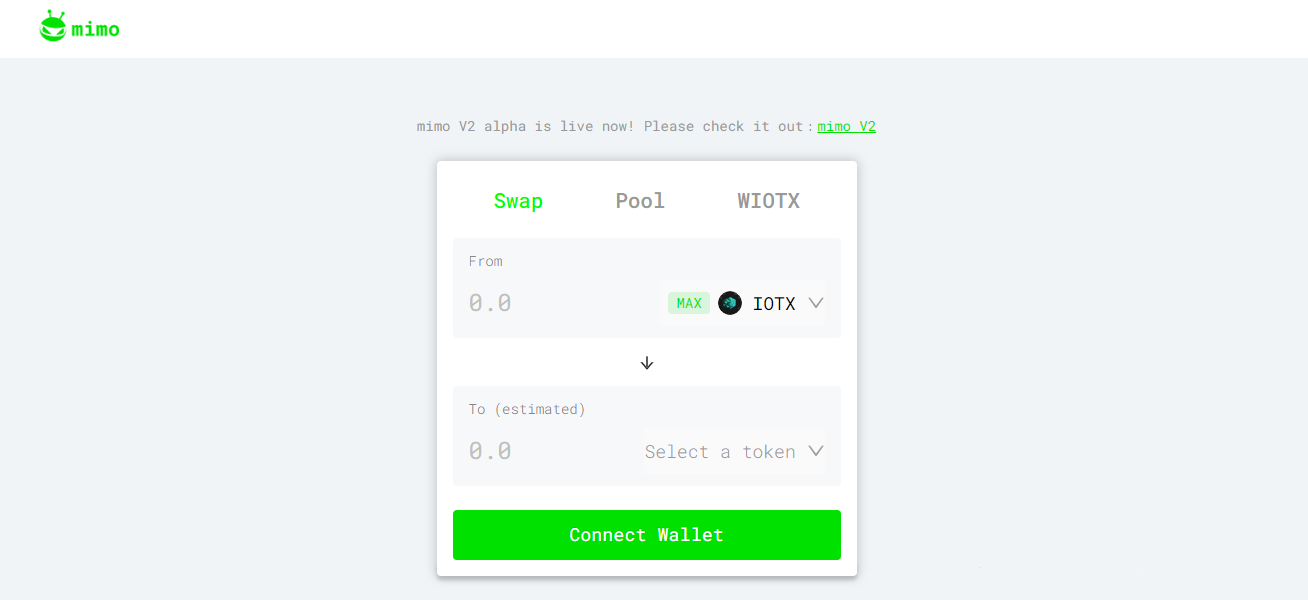
How does Mimoswap v1 work?
Mimoswap v1 — a decentralized protocol on the IoTeX blockchain and an exchange (DEX) that provides peer-to-peer trading of IOTX and XRC20 assets. Anyone can use mimo to trade and/or provide liquidity for a variety of trading pairs, including IoTeX-Ethereum cross-chain pairs such as IOTX/ioBUSD.
mimo.exchange supports trading of any XRC20 tokens, including donated ioTube ERC20 tokens. Any assets, supported on ioTube, can be added to mimo in no time. mimo.exchange works with ioTube, a decentralized cross-chain bridge between IoTeX and other blockchain networks, to support cross-chain trading. Any assets, supported on ioTube, can be added to mimo in no time. At the current stage, all ERC20 assets, supported by ioTube, can be sold on mimo.
There are three main categories of mimo users:
| Traders | Buy and sell cryptocurrencies (via the "Exchange" tab). |
| Liquidity provider | Deposit assets into smart contracts to get rewarded for extracting liquidity (via the "Pool" tab). |
| Developers | Connect mimo to other dApps or services for instant sharing, lending/borrowing and other DeFi use cases. |
mimo operates on a set of verifiable, non-refreshable smart contracts, each of which manages a "liquidity pool", consisting of reserves of IOTX/XRC20 tokens on the network. The mimo.exchange smart contract runs on the Uniswap V1 contract, which is widely used and field proven. Instead of the centralized order book, used by traditional cryptocurrency exchanges, mimo uses an automated market maker (AMM) smart contract for pricing and reserve management. Traders can trade these reserves at prices, guaranteed by the AMM smart contract.
Trading rules
You must have an IoTeX address to access mimo. You can create with ioPay, the official IoTeX wallet for desktop and mobile. With ioPay open, open the mimo app and connect your wallet. Before you start trading, you will need some IOTX to pay for gas. On the "Exchange" tab, you can view exchange rates for various trading pairs and make trades, using your ioPay wallet.