
AuraSwap logo

AuraSwap

Total Users
- No data available.
Rewards
chest
chest
chest
chest
Volume
The fiat value of incoming dapp transactions over a period of time
- No data available.
Contract Balance
The total fiat value of assets in a dapp's smart contracts
- No data available.
Category
- No data available.
Blockchain
- No data available.
Language
- No data available.
Official links
Social media

News

Stablecoin Payment Transactions Surge Despite Flat Supply

A new report reveals a significant increase in stablecoin payment transactions, contrasting with stagnant supply levels.
user avatar

Arif Mukhtar

MARA Holdings Transfers 1,000 BTC to Exchanges Amid Market Scrutiny

MARA Holdings has transferred approximately 1,000 BTC to Binance and Gate over the past five days, raising questions about its treasury movements.
user avatar

David Robinson

CryptoBilis Case Exposes Vulnerabilities in Hardware Wallets

The CryptoBilis case reveals vulnerabilities in hardware wallets, leading to $90 million in losses due to tampered devices.
user avatar

Maria Gutierrez

What is AuraSwap?

AuraSwap — a decentralized AMM and Yield Farming exchange on Polygon Chain with almost zero gas fees. At the heart of $AURA is the driving force behind the ecosystem.
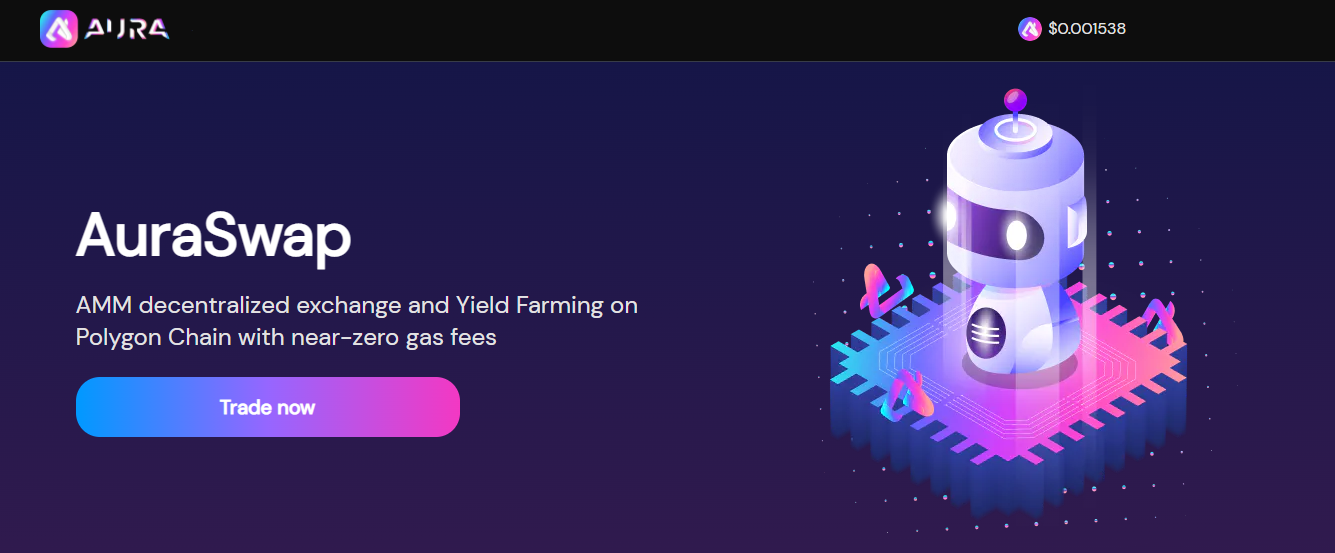
AuraSwap - exchange for a profitable and safe exchange

You can earn AURA by farming and betting, or you can buy it on the AuraSwap exchange.

AURA Distribution — the distribution of tokens for the ecosystem. Volatility decreased with the frequency of issues every 6 months. Distribution percentages are as follows:

  • 87.5% for agriculture;
  • 12.5% for developers to support platform development, marketing and partnerships.

Yield Farming earns when you provide liquidity in a liquidity pool and wagering them earns you a reward token and commissions for all trading (you get when you remove the liquidity).

To participate, go to the "Farm/Stake" section and select your pair/token to stake. Once approved and clicking the "Stake" button, you will see a pop-up to approve/stake in your wallet, and if you have successfully done this, you will see "Staking your pair" in the upper right corner, and you can click "View" in explorer to view your transaction.

Important disclaimer: The information presented on the Dapp.Expert portal is intended solely for informational purposes and does not constitute an investment recommendation or a guide to action in the field of cryptocurrencies. The Dapp.Expert team is not responsible for any potential losses or missed profits associated with the use of materials published on the site. Before making investment decisions in cryptocurrencies, we recommend consulting a qualified financial advisor.