



EAN Derivatives Exchange — an independently developed core transaction engine, capable of processing millions of transactions per second, enabling fast and efficient transactions. The layered architecture ensures system performance, security, scalability and stability.
Contents:
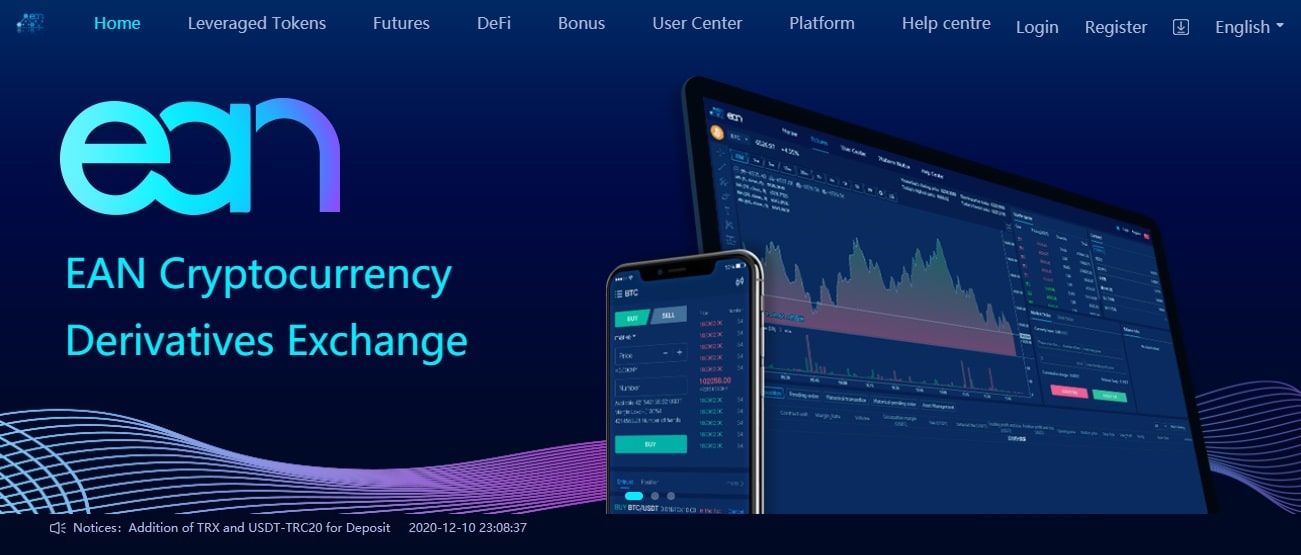
Description of the EAN Derivatives Exchange
The EAN technology team has a wealth of experience in security systems, applying an advanced layered and multi-cluster architecture to create an industry standard framework for controlling and protecting security risks. There are two ways for users to buy digital coins with legal tender. If you don't want to pay the advertising and handling fees, please place your order directly.
A direct purchase has six steps, namely:
| 1. | Search for the currency and item you want to buy. |
| 2. | Fill in the transaction details and confirm it. |
| 3. | Payout to the advertiser. It is better to use the trading method, supported by the platform. |
| 4. | After receiving payment, press the release button. You will receive digital currency. You can use the purchased digital currency for other transactions on the platform or withdraw it to your digital wallet. |
The advertisement is valid for 14 days and can be reprinted / removed / edited without a time limit during the period of validity. Select the type of digital currency you want to buy. Fill in the purchase price. You need to fill in the premium rate and the maximum acceptable unit price. If you do not set the maximum acceptable unit price, the system will adjust it, in accordance with the market price.
Next, a message will appear, informing you of the ad expiration date. You can also click on the "copy sponsored link" button, sent to the seller, let the seller order the sale. If you need to edit your ad, click the "remove ad" button. Or click "Manage Transactions"> "My Ads" in the navigation bar to manage this ad.
Additional information
The Operation and Risk Management team has deep expertise to ensure business continuity by prioritizing the customer and the security of digital assets. Log in to Blooming Exchange and click the "Register" button in the upper right corner. Enter the registration page, enter your account number and password to register. Click the “Not Installed” button to check your mailbox. Change username and poster. The site does not have a WhitePaper document, but there is a user help center. Thus, you can always get an answer to your question. The community does not maintain social networks. Smart contract audit is not provided.