



TronSender — a tool to bulk send Tron, TRC10 and TRC20 tokens from a csv file, using the Token bulksender tool. You can send Tron, TRC10 and TRC20 tokens to multiple wallet addresses in 3 easy steps: upload CSV, approve tokens and send tokens.
Contents:
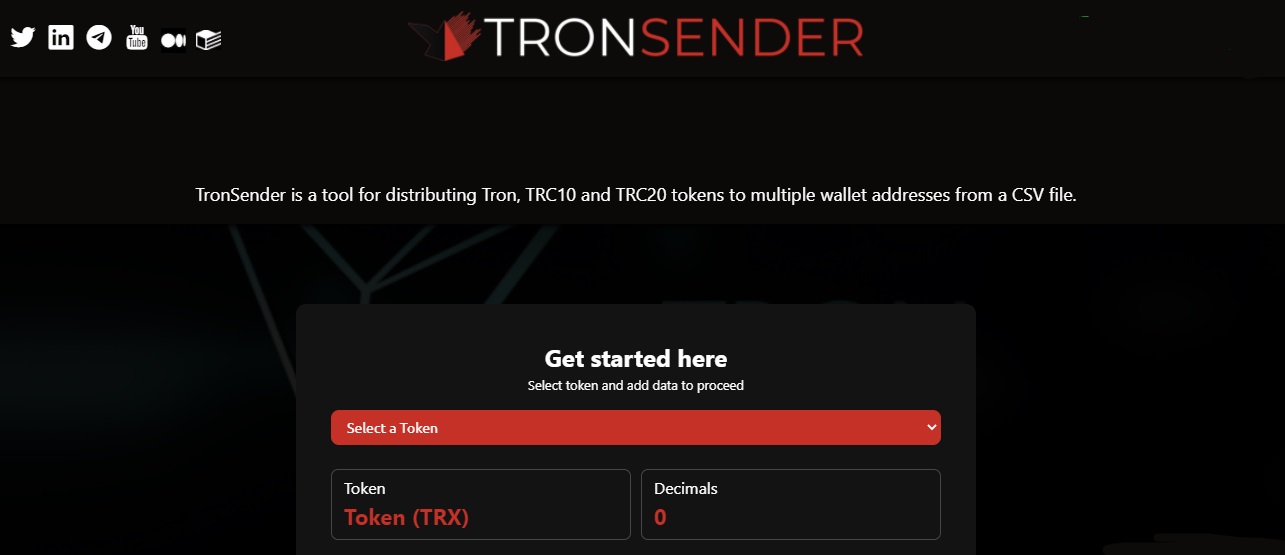
Description of the TronSender project
The new Tron Sender tool allows users to distribute Tron, TRC10 and TRC20 tokens to multiple addresses and distribute tokens from a CSV file easily. Anyone, running an airdrop to promote their project and looking to reward their users or advocates with their token, should check out the Tronsenders time saving Dapp.
Firstly, the user must have a list of addresses in a CSV or TXT file, which must then be uploaded. The TronSender platform will also check your uploaded address list for errors and give you the option to remove invalid addresses before submitting your tokens. TronSender has a fee calculator on the site, so you can calculate the platform fee, based on the number of tokens you send.
How to use:
| Step 1 | Install TronLink. Make sure your TronLink points to the network you would like to use. Make sure your TronLink account is unblocked. |
| Step 2 | Go to the TronSender website. Wait for the page to load fully. |
| Step 3 | Select the address to which you would like to send tokens. Click continue. If everything is filled in correctly, click again. |
| Step 4 | Wait for TronLink to create an approval transaction. |
According to the TronSender referral program, every time you submit Tron, using the referral link you generated, you receive an instant reward of 100 TRX.
You can upload as many addresses as you need - however, you will be prompted to sign a new send transaction for every 200 addresses. This will be automatically suggested by the platform.
Additional information
There is no WhitePaper on the TronSender website. Instead, the developers provide a blog on the Medium site. Articles are regularly published there. You can view the Tron Sender smart contract along with previous transactions on Tronscan. From social networks, the community leads:
Subscribe and stay up to date with all news.