
The Open Space logo

The Open Space

Total Users
- No data available.
Rewards
chest
chest
chest
chest
Volume
The fiat value of incoming dapp transactions over a period of time
- No data available.
Contract Balance
The total fiat value of assets in a dapp's smart contracts
- No data available.
Category
- No data available.
Blockchain
WAX
Language
- No data available.
Official links
Social media

News

Ethereum's Glamsterdam Upgrade Scheduled for Hoodi Test Network

Ethereum's next major upgrade, Glamsterdam, is set to activate on the Hoodi test network on October 26, marking a significant step in testing changes to block production and execution costs.
user avatar

Miguel Rodriguez

International Crackdown on West African Scam Networks Results in 28 Arrests

An international effort against West African scam networks has led to 28 arrests and the removal of over 37 million accounts linked to fraudulent activity.
user avatar

Luis Flores

Stablecoin Payment Transactions Surge Despite Flat Supply

A new report reveals a significant increase in stablecoin payment transactions, contrasting with stagnant supply levels.
user avatar

Arif Mukhtar

What is The Open Space?

The Open Space — an NFT-based space game project with a dynamic economic model on the WAX blockchain. The game has a "play to earn" feature where players will be rewarded with coins. This allows players to build factories, mine resources and explore new planets and galaxies.
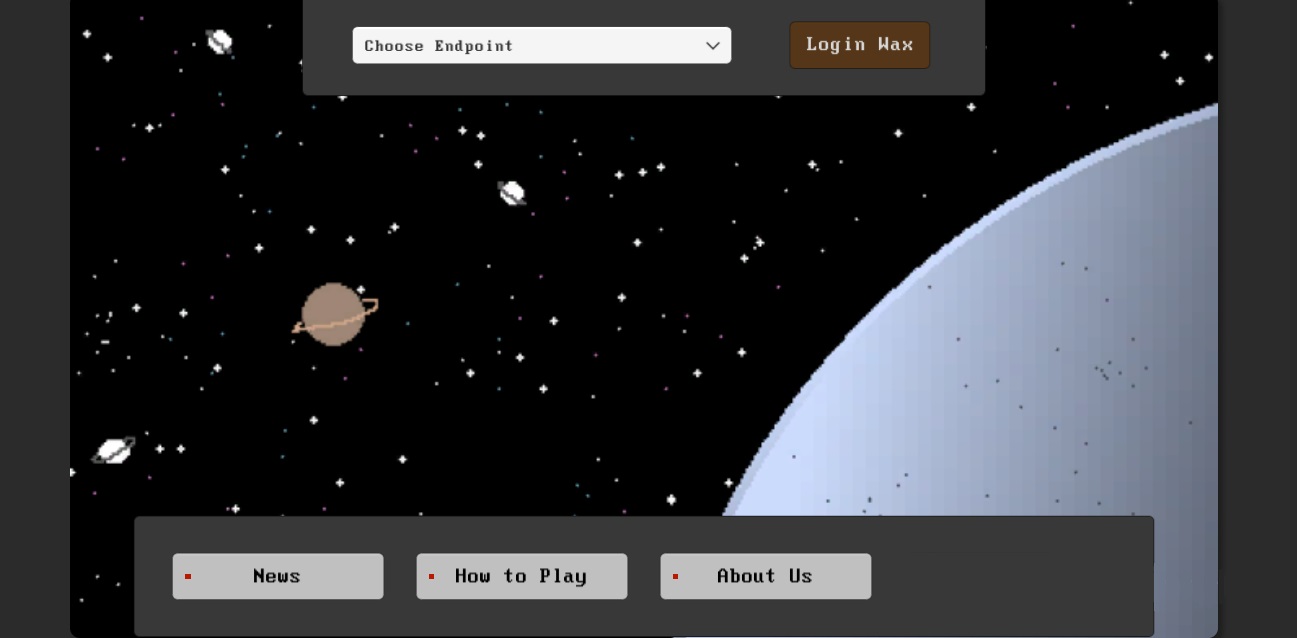
The Open Space - dapp.expert

Build your own galaxy The Open Space, extract resources and expand your galaxy by discovering new planets.

To build a building on a planet, select "Sun" and "Inside", select the planet and press the "Inside" button. Click the Add (+) button. Select the NFT and click the "Create" button. Click "Build" and confirm the action.

To add a planet to an orbit, select the solar system and click the "Inside" button. Select a planet and press the "+ Orbit" button. Click OK.

You can receive income from construction through the "Solar System" section, where you need to click the "Inside" button. Select a planet and press the "Inside" button. Select "Building" and click the "Claim" button. Confirm the action.

Important disclaimer: The information presented on the Dapp.Expert portal is intended solely for informational purposes and does not constitute an investment recommendation or a guide to action in the field of cryptocurrencies. The Dapp.Expert team is not responsible for any potential losses or missed profits associated with the use of materials published on the site. Before making investment decisions in cryptocurrencies, we recommend consulting a qualified financial advisor.