



Yupana Finance — an open source decentralized and non-custodial liquidity protocol, built to securely lend and borrow digital assets by using smart contracts. Yupana brings the benefits of decentralized finance features and tools to the Tezos community. Savers provide liquidity in the protocol by earning passive income, while borrowers take on over-collateralized loans.
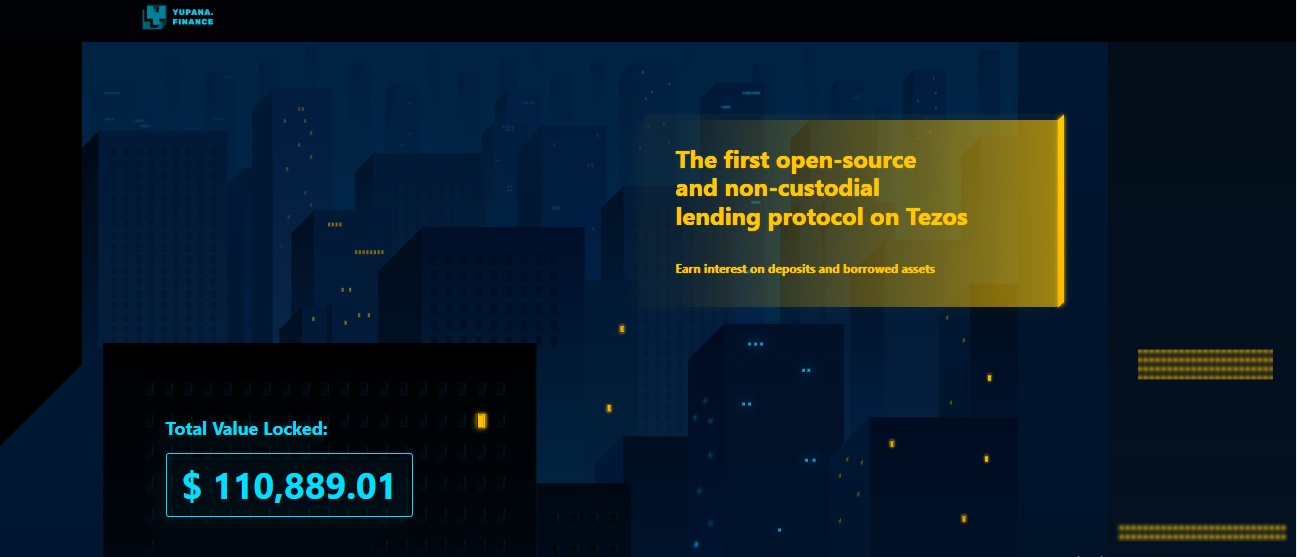
Short description of Yupana Finance
Yupana.Finance was developed by the MadFish team, creators of the Quipuswap DEX wallet and Temple. Yupana smart contracts are verified and secured. The protocol is completely open source, allowing anyone to interact with the UI client, API or directly with smart contracts on the Tezos blockchain. The Yupana lending protocol aims to expand the Tezos ecosystem and bring more liquidity to Tesoz DApps. Yupana supports TEZ and some FA1.2 and FA2 tokens, created by Tezos.
The Yupana.Finance community consists of three main user roles:
| Lenders | Lenders supply their assets to credit pools and receive an equivalent amount of yTokens. They receive interest for lending their assets. Anyone can become a lender. |
| Borrowers | Borrowers can directly take out excess collateral through the Yupana protocol as P2P lending. To obtain a loan, the borrower must provide assets as collateral that are more valuable than the amount of the loan. |
| Liquidators | Liquidators close debt positions when the value of the collateral does not adequately cover the cost of their credit/debt. In liquidation, up to 50% of the debt of the borrower is repaid, and this cost + liquidation fee is taken from the available collateral, so after liquidation, this amount, liquidated from the debt, is repaid. |
To interact with Yupana, you need to deposit any of the assets, available in the protocol. Then you will receive an income, the amount of which is regulated by the market demand for borrowed funds.
Users interact with the protocol through transactions on the blockchain, so a fee is charged for each transaction on the Tezos network. Its size depends on the load on the network and the complexity of the transaction.
How to work with a deposit?
On the protocol interface page, connect your wallet to the protocol by clicking the "Connect" button. Go to the "Deposit" tab, select the type of asset and enter the amount you want to deposit. Click "Deposit" and confirm the transaction. Once the transaction is confirmed, you start earning interest. In return, you will receive cTokens, which confirms your share in the pool. If you want to withdraw funds from protocol contracts, cTokens will be burne.
cTokens holders receive a constant income that changes, depending on market conditions. Depositors receive interest, paid by borrowers. The interest corresponds to the borrowing rate, multiplied by the utilization rate. With a high demand for a loan of a selected asset, depositors receive more income.