• Dapps:16.23K
  • Blockchains:78
  • Active users:66.47M
  • 30d volume:$303.26B
  • 30d transactions:$879.24M
ManyBot: Your Easy Way to Create Telegram Bots

ManyBot: Your Easy Way to Create Telegram Bots

user avatar

by Alexandra Smirnova

2 years ago


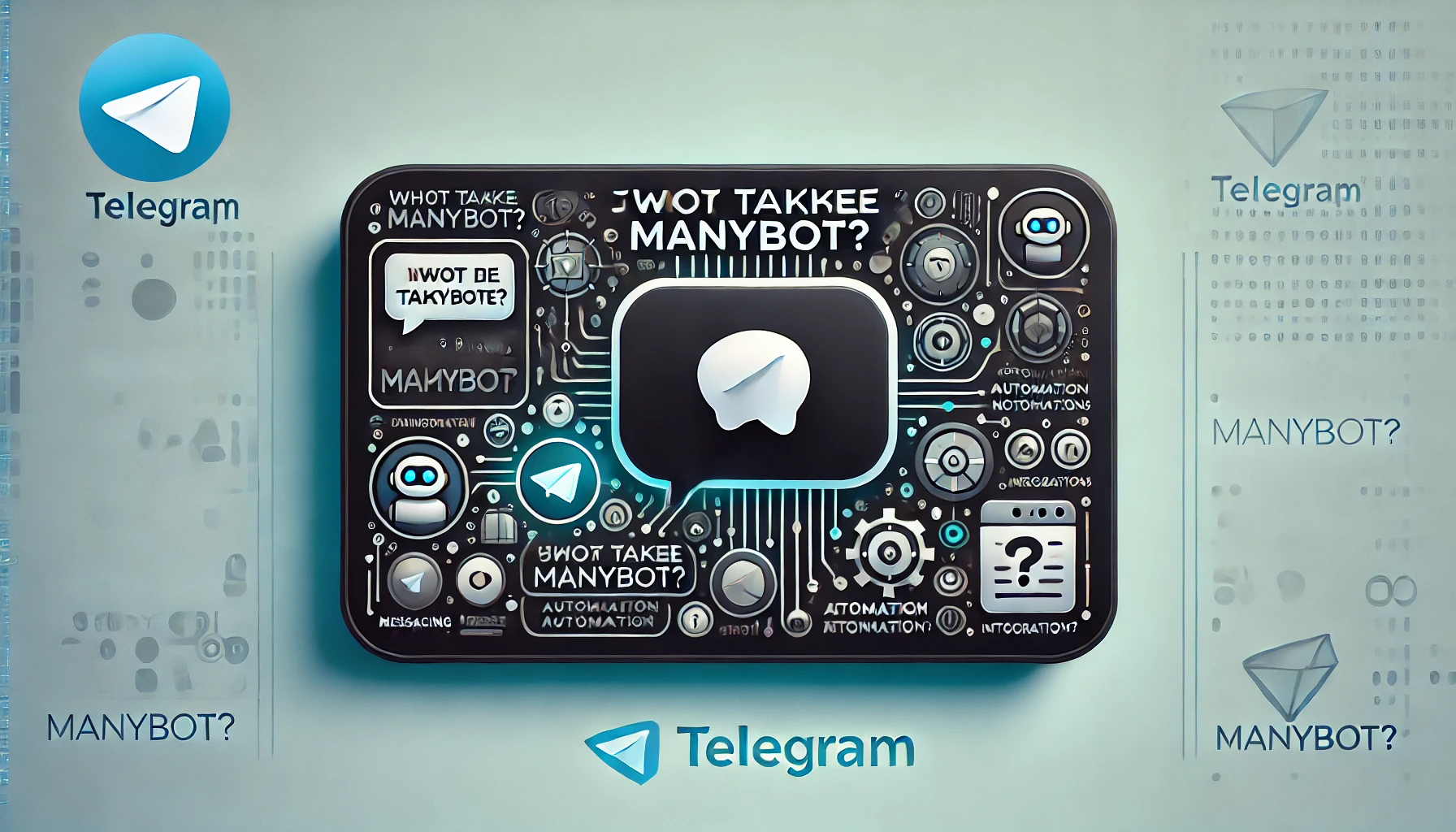
Hello, friends! Have you ever dreamed of creating your own Telegram bot that will entertain your friends, help you with everyday tasks, or even organize games and quests? Today we will tell you about ManyBot — a platform that makes bot creation simple and accessible for everyone!
Contents:

ManyBot: Ваш легкий путь к созданию Telegram-Ботов - news

What is ManyBot?

ManyBot — is a user-friendly and intuitive platform that allows you to create Telegram bots without writing any code. This means that even if you have never programmed before, you can still create a smart and useful bot in just a few steps!

Key Features of ManyBot

  • Ease of Bot Creation

ManyBot makes the process of creating a bot as simple as possible. You don’t need to be a programmer — just follow the on-screen instructions, and your bot will be ready in minutes.

  • Ready-made Templates

Don't know where to start? ManyBot offers many ready-made templates for various purposes. Want to create a bot for conducting surveys, organizing games, or sending notifications? Choose the right template and customize it to your needs.

  • Ease of Setup

The ManyBot interface is intuitive. You can easily add new commands and responses, set up automatic replies, and manage your bot’s behavior. All this is done through a convenient visual editor.

  • Integration Support

ManyBot allows you to integrate your bot with other services and platforms. This means that you can, for example, set up the bot to send notifications from your calendar, connect it to a database, or use it to manage other applications.

How to create a bot with ManyBot

Let's see how easy it is to create your own Telegram bot using ManyBot.

Step 1: Registration

The first thing you need to do is register on the ManyBot platform. Simply go to the website and create an account.

Step 2: Creating a Bot

After registration, you will need to create a new bot. ManyBot will guide you through the creation process step by step. Choose a name for your bot and set up the basic parameters.

Step 3: Setting up Commands

Now for the fun part! You can add commands and set up your bot’s responses. Want the bot to respond to greetings or send you daily reminders? Simply add the appropriate commands and responses in the ManyBot editor.

Step 4: Launching the Bot

Once everything is set up, launch your bot and test it. Make sure it works as you intended and invite your friends to try it out!

Examples of using ManyBot

ManyBot can be useful in a variety of situations. Here are a few examples:

  • Game B

0

Rewards

chest
chest
chest
chest

More rewards

Discover enhanced rewards on our social media.

chest

Other articles

What is Zealy (Crew3): How Web3 Quests, XP, and Community Engagement Work

chest

A detailed overview of Zealy: how quests, XP, and tasks work, its role in Web3 communities, and key benefits and risks for users and projects.

user avatarElena Ryabokon

Galxe (Project Galaxy) Overview: GAL Token, G Migration, and Ecosystem Explained

chest

A detailed Galxe overview: how the Web3 quest platform works, digital identity features, GAL token migration to G, ecosystem tools, use cases, risks, and future outlook.

user avatarElena Ryabokon

RSS3 Review: How the Open Information Network Works in Web3

chest

In-depth overview of RSS3: decentralized data protocol, open information network, RSS3 token utility, features, and Web3 ecosystem potential.

user avatarElena Ryabokon

CyberConnect (CYBER) Review: Social Graph, Token Utility, and SocialFi Potential

chest

In-depth overview of CyberConnect: decentralized social graph, CYBER token utility, SocialFi features, advantages, and potential risks.

user avatarElena Ryabokon

Hashflow (HFT) Review: RFQ Model, Cross-Chain Trading, and Key Features

chest

In-depth overview of Hashflow: RFQ trading model, zero slippage execution, cross-chain capabilities, HFT token utility, and platform advantages and risks.

user avatarElena Ryabokon

Bounce Finance (AUCTION) Review: Auction Mechanics, Token Utility, and Project Insights Keywords:

chest

In-depth overview of Bounce Finance: how Web3 auctions work, AUCTION token utility, platform features, strengths, and potential risks.

user avatarElena Ryabokon

Important disclaimer: The information presented on the Dapp.Expert portal is intended solely for informational purposes and does not constitute an investment recommendation or a guide to action in the field of cryptocurrencies. The Dapp.Expert team is not responsible for any potential losses or missed profits associated with the use of materials published on the site. Before making investment decisions in cryptocurrencies, we recommend consulting a qualified financial advisor.